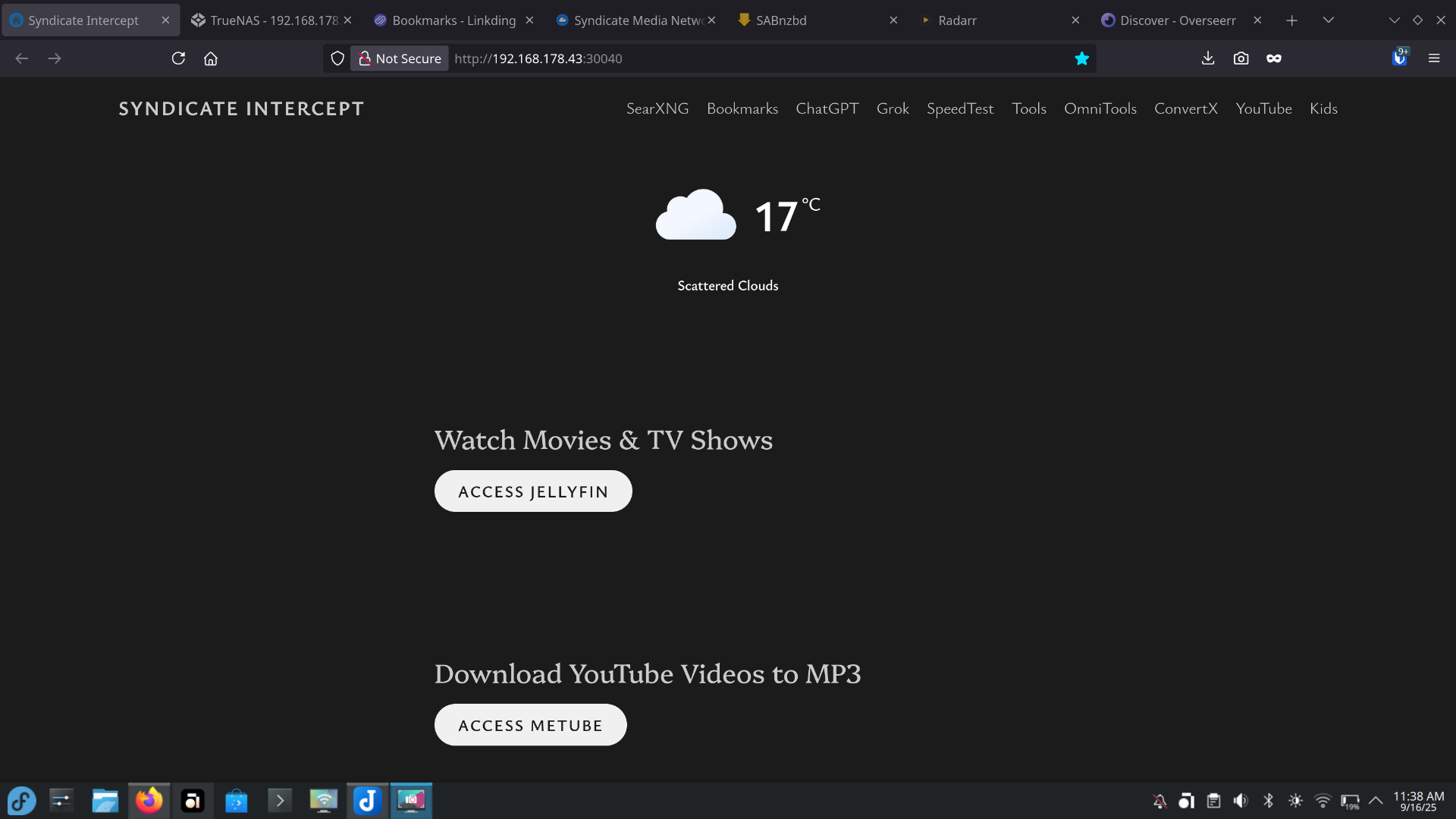
Looking to boost your productivity or set up a powerful self-hosted environment? Whether you’re a seasoned tech enthusiast or just starting out, these websites are treasure troves for discovering the right tools, operating systems, communities, and hardware to build your dream setup. From Dockerized apps to bootable USB tools and media acquisition platforms, this list has you covered.
1. LinuxServer.io – Your Hub for Self-hosted Docker Images
LinuxServer.io is a go-to resource for anyone looking to deploy self-hosted applications using Docker. Run by a passionate community, they maintain one of the largest collections of Docker images, all built on a standardized base with s6-overlay for extensibility. Their images, available on hub.docker.com, include popular apps like Plex, Jellyfin, Radarr, Sonarr, KaraKeep, Speedtest, MeTube, Nextcloud, SMB servers, and even local WordPress instances. With clear documentation and regular updates, LinuxServer.io makes self-hosting accessible and reliable.
2. DistroWatch – Find the Perfect Linux or BSD Distribution
Choosing the right operating system for your self-hosted server can be overwhelming, but DistroWatch.com simplifies the process. This site is a one-stop shop for discovering and comparing Linux and BSD distributions. Whether you’re looking for a lightweight distro for a low-power server or a robust one for heavy workloads, DistroWatch provides detailed reviews, rankings, and news to help you make an informed choice.
3. TrueNAS Community Edition – Your Self-hosted Powerhouse
TrueNAS Community Edition is a fantastic platform for running a self-hosted server with built-in support for a wide range of applications. TrueNAS makes it easy to set up and manage apps like Plex for media streaming, Jellyfin for open-source media management, Radarr and Sonarr for automated media organization, KaraKeep for music management, Speedtest for network performance testing, MeTube for video downloading, Nextcloud for personal cloud storage, SMB servers for file sharing, and local WordPress sites for blogging or testing. With TrueNAS, you can also use Homarr to create a sleek dashboard for managing all your self-hosted services. The community edition is free, powerful, and perfect for home lab enthusiasts.
4. PCPartPicker – Build Your Dream Server or PC
If you’re ready to build a custom server or PC to host your self-hosted applications, PCPartPicker.com is the ultimate resource. This site offers part selection, pricing, and compatibility guidance for DIY computer builders. Whether you’re assembling an entry-level Intel gaming rig, an AMD-powered streaming beast, or a high-end server for running TrueNAS and Docker containers, PCPartPicker has build guides for various budgets and use cases. You can also browse thousands of completed builds from the community to get inspiration or compare components.
5. r/selfhosted – Join the Self-hosting Community
The r/selfhosted subreddit is a vibrant community where self-hosting enthusiasts share tools, troubleshoot issues, and discuss apps like Sonarr, Plex, or Homarr. It’s a fantastic place to find inspiration, get help with your TrueNAS or Docker setup, and connect with others passionate about running their own servers. Whether you’re stuck on a configuration or looking for new app recommendations, this community has you covered.
6. Ventoy – Create Bootable USBs for Server Setups
Ventoy is an open-source tool that simplifies creating bootable USB drives for installing operating systems. Perfect for self-hosting enthusiasts, Ventoy lets you store multiple ISO files (like those from DistroWatch) on a single USB, automatically generating a boot menu to select and install distros for your TrueNAS server or other hardware. Its ease of use and flexibility make it a must-have for setting up or testing new server environments.
7. Usenet Resources: Newshosting and NZBPlanet – Automate Your Media Downloads
For self-hosters building a media library with Radarr, Sonarr, or Jellyfin, Usenet is an efficient, decentralized protocol for accessing vast archives of content. Pair a reliable Usenet provider with an NZB indexer to search, download, and automate everything directly to your TrueNAS storage. With Prowlarr to manage indexers like NZBPlanet and sync with Radarr/Sonarr, and SABnzbd to handle downloads and organize them into category-specific folders when properly configured, you can create a fully automated pipeline for your media.
- Newshosting: A top-tier Usenet provider in 2025, offering over 6,200 days of binary retention, uncapped speeds across a global Tier-1 network, and access to 110,000+ newsgroups. It includes a free newsreader with built-in search and a bundled VPN, which you can also use to secure IPTorrents downloads, making it ideal for high-volume media automation without throttling.
- NZBPlanet: A veteran NZB indexer with NZBs indexed back 17+ years, API support for seamless integration with Sonarr/Radarr, and features like watchlists, release calendars, and an active forum for requests. Open registration and frequent updates (every 15 minutes) make it easy to find rare or recent content for your self-hosted library.
Remember to use these responsibly and pair them with a VPN for privacy. They’re game-changers for turning your server into a fully automated media hub!
8. IPTorrents – Private Torrent Tracker for Diverse Content
IPTorrents is a well-established private torrent tracker offering a vast, organized library of media, software, and more. Its invite-only system (or occasional paid sign-ups) ensures high-quality torrents and strong seeding ratios, making it perfect for self-hosters integrating with automation tools like Radarr, Sonarr, or Jackett. Jackett manages torrent indexers like IPTorrents, syncing seamlessly with your *arr apps to automate downloads to your TrueNAS library. If you’re using Newshosting, its bundled VPN covers your IPTorrents downloads too, so you don’t need a separate VPN service. While Usenet excels for quick scene releases, IPTorrents shines for rare or niche content not always found on NZB indexers. Access requires an invite or donation, but it’s a reliable complement to Newshosting and NZBPlanet for building your media library. Always use it responsibly with a VPN for privacy!
These websites are your gateway to creating a powerful, self-hosted ecosystem. From deploying Docker containers with LinuxServer.io to picking the perfect distro on DistroWatch, running a feature-packed server with TrueNAS Community Edition, building hardware with PCPartPicker, learning from the r/selfhosted community, preparing bootable drives with Ventoy, and automating media with Usenet tools like Newshosting, NZBPlanet, Prowlarr, and SABnzbd or torrents via IPTorrents and Jackett, you’ll find the tools and inspiration to take your productivity and creativity to the next level.